

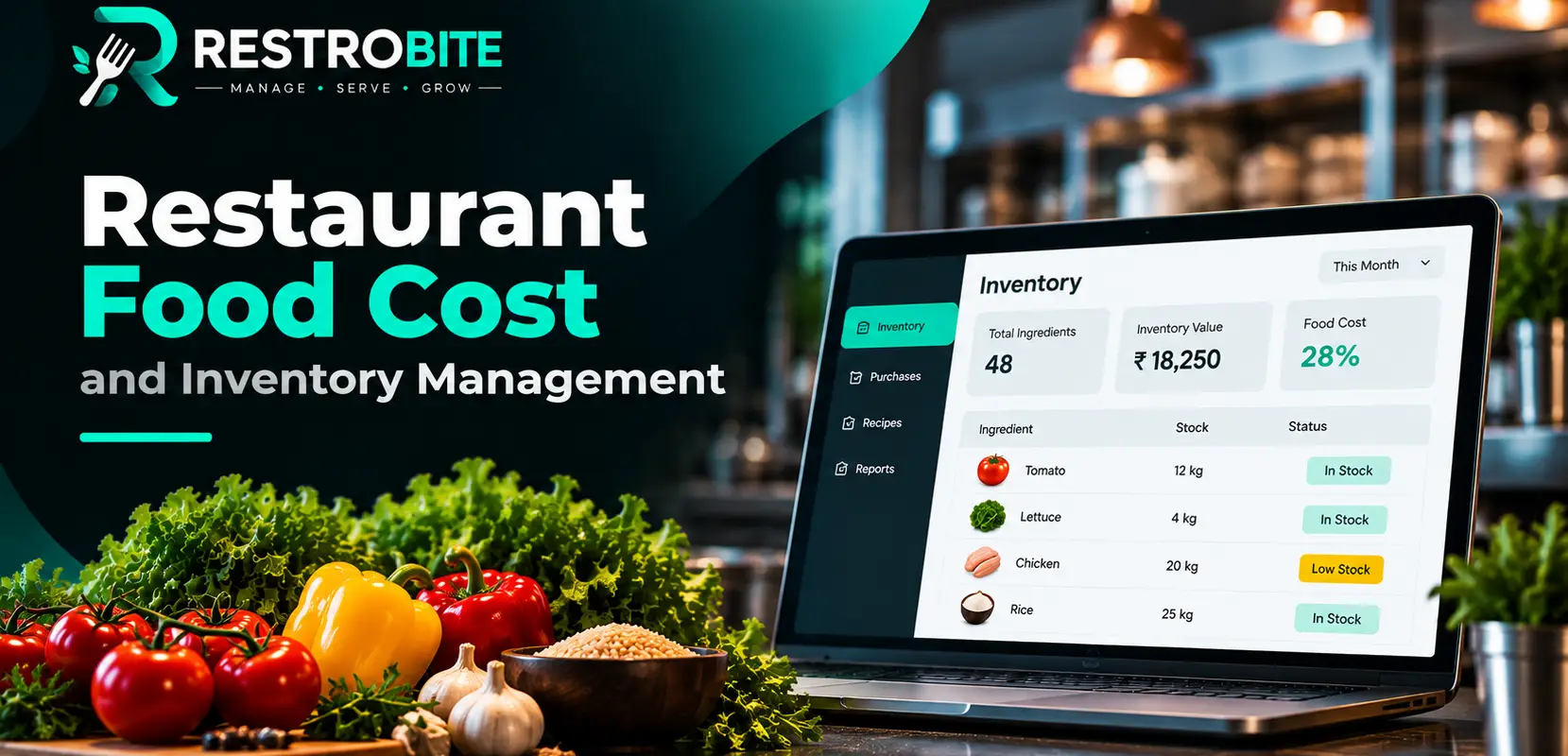
Managing restaurant inventory manually can become difficult as the business grows. Restaurants deal with vegetables, fruits, dairy products, meat, spices, beverages, packaging materials and many other ingredients every day. Without proper tracking, it can be difficult to know what is available, what needs to be purchased and where wastage is occurring.
Restaurant inventory management software helps restaurants organize and monitor their stock digitally. It can track ingredients, record purchases, monitor stock levels, calculate recipe costs, provide low-stock alerts and connect inventory information with restaurant billing and POS operations.

In this guide, we will explain how restaurant inventory software works, its key features, benefits, food cost management, purchase tracking, wastage control and how to choose the right inventory solution for your restaurant.
What Is Restaurant Inventory Management Software?
Restaurant inventory management software is a digital system used to track and manage ingredients, raw materials, stock movements, purchases and inventory-related costs in a restaurant.
Instead of maintaining multiple spreadsheets or handwritten stock registers, restaurant owners and managers can use software to maintain a centralized view of inventory. Depending on the system, inventory data can also be connected with restaurant POS, billing, orders and recipes.
For example, when a restaurant sells a dish, the ingredients associated with that recipe can be used to calculate the corresponding stock consumption. This gives restaurant managers a clearer picture of stock usage and food costs.
Why Is Inventory Management Important for Restaurants?
Inventory is directly connected to restaurant profitability and daily operations. Buying too much stock can increase spoilage and storage costs, while buying too little can result in stockouts and interrupted kitchen operations.
Effective inventory management helps restaurants maintain better control over ingredients and purchasing decisions. It also provides useful information for identifying frequently used items, slow-moving stock and potential wastage.
Food storage practices are also important for food safety. The Food Safety and Standards Authority of India (FSSAI) provides guidance related to food handling, storage and hygiene practices.
How Does Restaurant Inventory Management Software Work?
A typical restaurant inventory system follows the movement of ingredients from purchasing and receiving through storage and kitchen usage.
- Add ingredients: Create inventory items such as rice, oil, vegetables, dairy products, meat and spices.
- Record purchases: Add purchased quantities, suppliers and purchase information.
- Set recipes: Define the ingredients required for menu items.
- Track stock usage: Monitor inventory consumption as ingredients are used.
- Monitor stock levels: Identify available and low-stock ingredients.
- Track wastage: Record damaged, expired or wasted ingredients.
- Analyze reports: Review stock movement, purchases and food cost information.

Key Features of Restaurant Inventory Management Software
1. Real-Time Stock Tracking
Real-time stock tracking allows restaurant managers to monitor the quantity of ingredients available in inventory. Instead of waiting for a manual stock count, managers can use digital inventory records to understand current stock levels.
This can be particularly useful for restaurants with a large menu or high-volume kitchen operations where ingredients are consumed throughout the day.
2. Ingredient Management
A restaurant may use hundreds of ingredients across different dishes. Inventory software can organize these items into a centralized system.
Ingredients can be categorized based on their type, supplier, storage location or other operational requirements. This makes it easier for restaurant staff to identify and manage stock.
3. Low-Stock Alerts
Running out of an important ingredient during restaurant service can create operational problems. Low-stock alerts can help managers identify items that need attention before inventory reaches a critical level.
Restaurants can use these alerts as a purchasing reference and review stock requirements before placing new orders.
4. Recipe Costing
Recipe costing is an important part of restaurant inventory management. A recipe can contain several ingredients, and each ingredient contributes to the total preparation cost of a dish.
Recipe-level costing helps restaurant owners understand how ingredient prices affect the cost of menu items. This information can support menu pricing and food cost analysis.
5. Purchase Management
Inventory software can help restaurants maintain records of purchases and suppliers. Purchase information can include the ingredient, quantity, supplier and purchase cost.
Maintaining digital purchase records makes it easier to review purchasing history and identify recurring requirements.
6. Supplier and Vendor Management
Restaurants often purchase ingredients from multiple vendors. Supplier management features can help organize vendor information and connect purchases with the relevant supplier.
This can simplify the process of reviewing previous purchases and planning future procurement.
7. Wastage Tracking
Food wastage can occur because of spoilage, over-preparation, damaged products, expired ingredients or kitchen mistakes. Recording wastage provides better visibility into where inventory is being lost.
Once wastage is consistently recorded, restaurant managers can analyze patterns and investigate operational causes.
8. Inventory Reports
Reports transform inventory records into information that restaurant owners can use for decision-making. Depending on the software, reports may cover stock movement, purchases, ingredient consumption, wastage and food costs.
Restaurant Inventory Management and Food Cost Control
Food cost represents an important part of restaurant operations. The cost of ingredients used to prepare food affects the overall economics of menu items.
Restaurant inventory management software can help connect ingredient costs with recipes. For example, if a dish uses rice, vegetables, spices and cooking oil, the software can use the configured ingredient quantities and costs to calculate the recipe cost.
This makes it easier to compare ingredient costs with selling prices and identify dishes that may require further review.
| Inventory Area | What to Track | Why It Matters |
|---|---|---|
| Ingredients | Quantity and stock level | Helps maintain availability |
| Purchases | Supplier, quantity and cost | Improves purchasing visibility |
| Recipes | Ingredients and quantities | Supports recipe costing |
| Wastage | Wasted quantity and reason | Helps identify inventory losses |
| Stock Alerts | Minimum stock levels | Helps reduce unexpected stockouts |
FIFO and FEFO in Restaurant Inventory Management
Stock rotation is an important part of food inventory management. Restaurants commonly need processes that help ensure older or earlier-expiring products are used appropriately.
FSSAI food-safety guidance discusses stock rotation and the use of FIFO (First In, First Out), while some food operations also use FEFO (First Expire, First Out) depending on the product and expiry information. Restaurants should follow applicable food-safety requirements for their operations.
For more information about food storage and handling practices, refer to the official FSSAI website .
Manual Inventory Management vs Inventory Software
| Area | Manual Method | Inventory Software |
|---|---|---|
| Stock Tracking | Usually spreadsheets or registers | Centralized digital records |
| Low Stock | Requires manual checking | Can provide alerts |
| Recipe Costing | Often calculated manually | Can be managed digitally |
| Purchases | Separate records may be required | Purchases can be tracked centrally |
| Wastage | Manual entries | Digital wastage records and logs |
| Reporting | Manual calculations | Automated inventory reports |
How POS and Inventory Software Work Together
A restaurant POS system and inventory management system can work together to create a more connected operational workflow.
The POS handles customer orders, billing and payments, while inventory management focuses on ingredients, stock and purchasing. When these systems are integrated, restaurant operators can connect sales activity with inventory usage.
For example, when a menu item is sold, its recipe can be used to determine the ingredients associated with that sale. This provides a more structured approach to monitoring stock consumption.
You can learn more about restaurant billing and order management on the RestroBite Restaurant POS Software page.
Benefits of Restaurant Inventory Management Software
- Better visibility into ingredient stock levels
- Centralized inventory records
- Improved purchase tracking
- Low-stock alerts for important ingredients
- Recipe-level food cost management
- Better wastage tracking
- More organized supplier information
- Faster inventory reporting
- Better connection between POS sales and inventory
- Improved control over day-to-day restaurant operations

How to Choose Restaurant Inventory Management Software
Choosing inventory software should depend on the size of your restaurant, menu complexity, number of locations and operational requirements. Before selecting a system, consider the following features.
1. POS Integration
Choose software that can connect inventory information with restaurant sales and billing operations. This can reduce duplicate data entry and provide a more connected workflow.
2. Recipe Costing
If food cost is an important concern, look for recipe-level ingredient costing and the ability to update ingredient prices.
3. Purchase and Supplier Management
Purchase tracking and supplier management are useful for restaurants that regularly purchase ingredients from multiple vendors.
4. Wastage Tracking
A good inventory system should make it practical for staff to record wastage and help managers review the information later.
5. Reports and Analytics
Inventory reports should provide useful information rather than simply storing transactions. Look for reports that help you understand stock movement, purchases, food costs and wastage.
6. Offline Capability
Restaurants should also consider what happens when the internet connection is interrupted. An offline-capable POS can allow essential restaurant operations such as billing and KOT processing to continue during connectivity problems.
Learn more about how offline restaurant POS systems work on the RestroBite Offline POS Software page.
Restaurant Inventory Management with RestroBite
RestroBite combines restaurant POS, billing, KOT, inventory and restaurant management features in one platform.
Its inventory functionality is designed to help restaurants track stock in real-time, monitor ingredient usage, manage purchases and receive low-stock alerts. The platform also supports recipe-level costing and inventory management features depending on the selected plan.
RestroBite's inventory and recipe-costing features can be useful for restaurants that want to connect their billing operations with stock and food-cost management.
Before choosing a restaurant management platform, restaurants should evaluate their operational requirements, number of POS terminals, inventory complexity, recipe requirements and reporting needs.
View RestroBite pricing to compare the available plans and features.
Restaurant inventory management software can help restaurants move from fragmented stock records to a more organized digital inventory process. By tracking ingredients, purchases, recipes, stock levels and wastage in one place, restaurant operators can gain better visibility into their daily operations.
The right solution should not only track inventory but also fit naturally into the restaurant's existing workflow. POS integration, recipe costing, purchase management, low-stock alerts, wastage tracking and reporting are important capabilities to consider when evaluating restaurant inventory software.
If you are looking for a restaurant management platform that combines POS, billing, KOT and inventory management, explore RestroBite and review its available features and pricing.